Skip to content
A little color. A little quiet. A whole lot of imagination.
Coloring Page.

A fresh page for every kind of imagination.

How to print coloring pages: From your screen
to a fresh sheet.

A simple guide to printing coloring pages, with room for every little detail.

Coloring Page editorial preview · 5 minute read
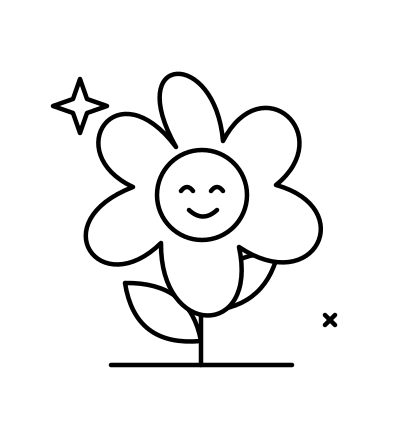
Happy flower outline on a printable sheet

1.Start with the right file

Choose an original SVG or use the Print button beside a drawing. For a PDF, select Save as PDF in your browser’s print dialog. Choose US Letter or A4 to match your paper.

2.Check your paper size

US Letter is 8.5 × 11 inches. A4 is 210 × 297 mm. Match the paper size in the print dialog to the paper loaded in your printer.

3.Give the edges a little space

Check the preview before printing. If the drawing is clipped, try “Fit to printable area”. Avoid stretching the artwork to fill a page with a different shape.

4.Choose your coloring supplies

Regular printer paper is a simple starting point for crayons and colored pencils. For markers, check your printer’s supported paper weight before using thicker paper.

5.Print one, then print the rest

Test a single page to check margins, line clarity and scale before printing a classroom set. You can save paper and catch a surprising printer setting.

SVG ↓

A few useful things

Before you press print.

Crayons & pencils

Ordinary printer paper is a practical starting point. Put a spare sheet underneath if the table surface is textured.

Markers

Ink can show through thin paper. Protect your surface and use heavier paper only if your printer supports it.

A classroom set

Check one page for clipping and scale first. Keep the same paper size and print settings for the full batch.

Common printing hiccups

Tiny woodland mushroom coloring page

A blank page. An open invitation.

Try it your way

Small adjustments. Better pages.

Most print problems start with a mismatch between the file, the dialog and the paper.

Part of the outline is missing

Try “Fit to printable area” and check that the page orientation matches the drawing.

The drawing looks stretched

Use proportional scaling. Avoid a fill setting that changes the width and height independently.

The page looks too small

Review the print preview and selected paper size. A safe margin is useful; a large empty border may indicate mismatched sizing.